You open your laptop to finish one task, but you first get distracted by social media, then by the amount of work and end up being totally overstimulated. It feels like your digital space and tools are managing you instead of the other way around. By the time you finish reading this, you will be able to decide whether your current workflow is helping you or just adding to your mental clutter. At somet point you wonder: What is better? A physical planner or a digital planner? That is exactly what we will be discussing today. You will also learn how to build a hybrid system that pairs the speed of tech with the clarity of pen and paper.
The Trap of Digital Notification Overload
You sit down to get things done, but your screen is already fighting for your attention. Digital tools are built to keep you engaged, which is the exact opposite of what you need when you are trying to focus on a single task at a time. Every app is designed to pull you back in with notifications and intriguing badges that turn a simple to-do list into a never-ending prison of digital consumption.
The real issue is the constant context switching. You open a task manager to check your schedule, but a notification from your email or your favorite game pulls you away. Perhaps you see your favorite social media app begging you to just quickly scroll for five minutes. By the time you navigate back to your plan, you have already lost your momentum. This creates a mental tax that drains your energy before you even start working. You spend more time trying to be productive than actually doing the work.
Over-relying on apps turns your productivity into a never-ending feed. Instead of a clear, actionable plan, you end up with a digital mountain of tasks that feels impossible to climb. It is easy to get lost in features, tags, and syncing issues when you should be getting things finished. If your to-do list feels more like a social media feed than a roadmap, you have fallen into the trap. You are not being productive; you are just being busy managing the interface.
Why Handwriting Tasks Triggers Better Focus
When you put pen to paper, you force your brain to slow down. According to research, writing activates the left fusiform area in your brain, which is crucial for visual word recognition (Marano et al., 2025). There is however a nuance: typing doesn’t necessarily inhibit productivity either. Physically writing out your daily tasks is more so useful in the sense that it helps you ignore the background noise of a busy day.
There is also a distinct, tactile boundary that keeps you grounded. Certain apps are designed to be infinite. They invite you to scroll, adjust, and tweak, which often leads to procrastination disguised as productivity. A notebook has physical edges. You cannot scroll past the end of the page. This constraint forces you to work with what you have in front of you, preventing the endless digital rabbit hole.
The Notion optimization:
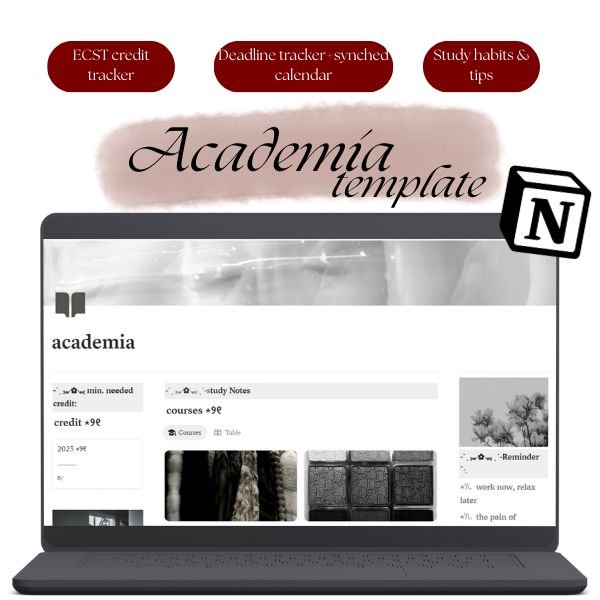
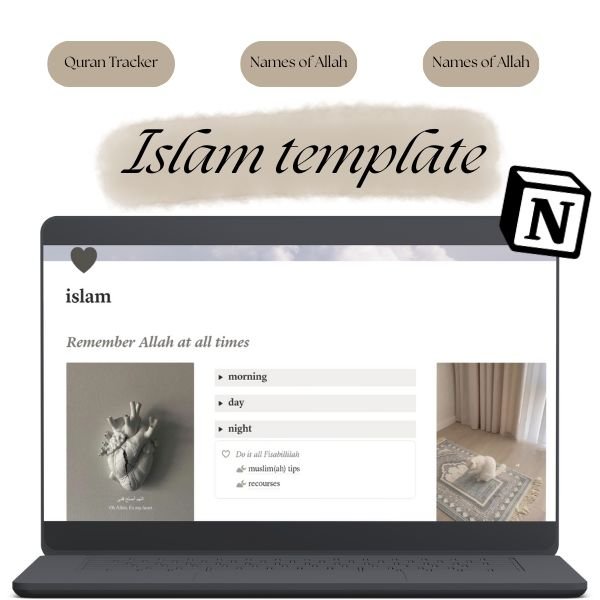
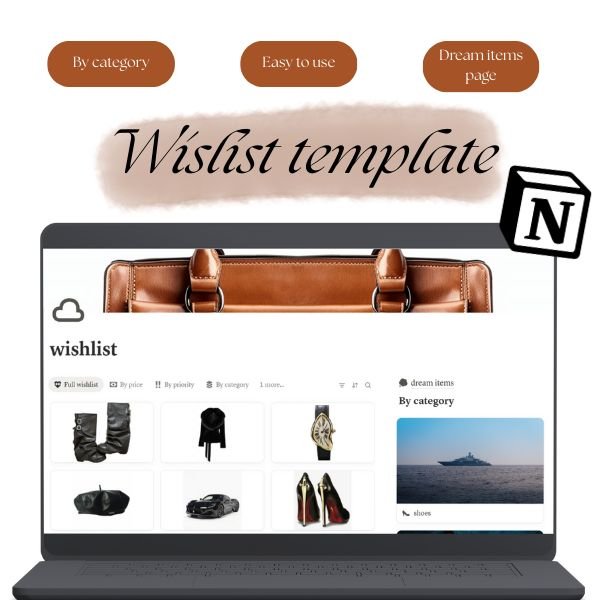
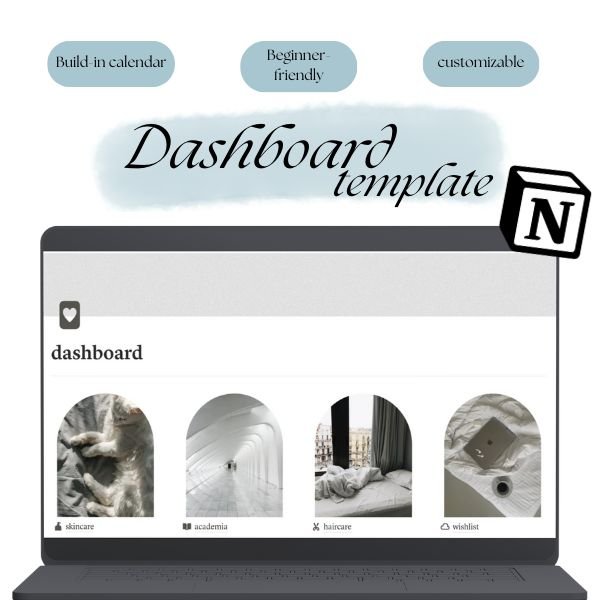
As someone who has always been busy trying to optimize my surroundings, it took me a while to understand that certain things work better digitally and others physically. That’s why I designed my personal notion templates. In these templates, the lay-outs are extremely simple, beginner-friendly and targeted towards long-term growth rather than quick things you want to fix. If you are interested in any of these pages, don’t hesitate to check them out!
When AI Task Prioritization Actually Fails
Some digital planners have AI integration that loves to optimize your day like a math problem, but your life is not a spreadsheet. An algorithm might suggest a perfectly packed schedule that fills every thirty minute block with a task. It assumes you are a machine capable of constant output without friction. What it misses is the reality of your energy levels. It cannot predict the chaos that may interrupt your day or the fact that your brain needs space for creative thinking rather than just constant execution.
If you rely on software to prioritize your day, you often end up with a calendar that looks efficient on paper but feels impossible to live through. Beyond the lack of emotional context, there is the hidden tax of complexity. Many productivity apps require you to tag, categorize, and sync your tasks before you even start working. You spend more time maintaining the system than actually checking items off your list. If you find yourself spending twenty minutes tweaking your settings just to plan your Tuesday, you have already lost the battle. A paper planner doesn’t require updates, software patches, or a learning curve. It just sits there, waiting for you to write down what actually matters. When the setup feels like a chore, you are far less likely to stick with it. Sometimes, the simplest tool is the only one that actually works.
Building a Hybrid System That Lasts
Stop trying to force your life into one single app. The most productive people I know treat their digital and analog tools like a tag team. Use Google Calendar or Notion strictly as a high-level storage. These platforms are brilliant for long-term planning, recurring appointments, and project deadlines that are months away. They live in this system so you can have space in your head for the everything else.
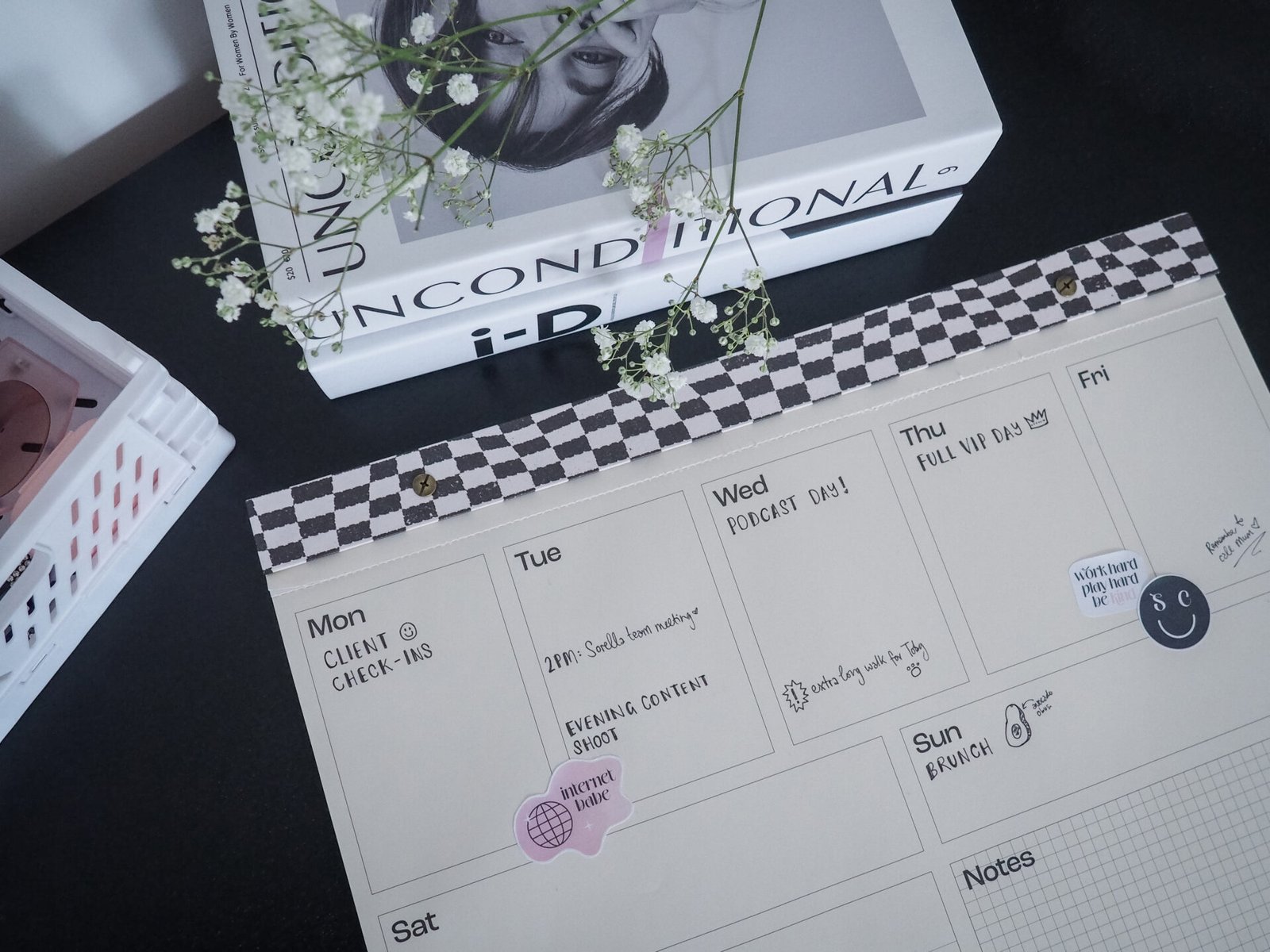
Your paper planner is for the trenches. Keep it open on your desk to manage your daily tasks. These are the goals that actually move the needle on your day. By physically writing them down, you anchor your focus to what matters right now rather than getting lost in a digital backlog of a hundred minor chores.
The secret to keeping this system alive is the nightly analog migration. Every evening, spend five minutes looking at your digital inbox. Pull the tasks that need your attention tomorrow and write them into your planner for the next day. This routine does two things:
- It clears your digital clutter so you can actually sleep without thinking about your notifications.
- It forces you to confront the reality of how much time you actually have, rather than just dumping an endless list into a digital void.
By the time you sit down with your coffee in the morning, you are not staring at a blinking cursor or a chaotic app dashboard. You are looking at a clear, handwritten plan. You have already made the hard decisions, so you can simply start working.
The Reality of Choosing Your Own Workflow
A tool is only as good as the consistency you bring to it. It does not matter if a planner has the most beautiful layout or an app has the smartest features if you dread opening it every morning. If you find yourself avoiding your system because it feels like a chore, you are likely working for your tools instead of having them work for you.
Pay attention to how you feel when you look at your to-do list. If your current setup makes you feel anxious, behind, or guilty, stop trying to fix it by downloading more software or buying more complicated inserts. That is your cue to strip everything back. A workflow should feel like a relief, not a heavy weight you carry around all day.
To figure out if a tool actually fits you, ask yourself these three things:
- Does this tool make me feel organized, or does it just make me feel busy?
- Do I actually enjoy the physical act of using this, or am I just doing it because I think I should?
- Does this help me reach my actual life goals, or am I just spending time managing the system itself?
Your workflow exists to serve your life, not the other way around. If you are a tactile person who needs to see your progress on a page, a digital app will never feel right, no matter how many features it offers. If you are someone who needs constant reminders and synced alerts, a paper planner might leave you feeling scattered. If a system is not helping you move toward your goals with a sense of clarity, toss it out and start over with something simpler. You are the only expert on how your brain works.
Where that leaves you
Productivity is not about finding the newest app or the most expensive planner. It is about creating a space where you can think clearly without being constantly interrupted by external stimuli. If you find yourself constantly tweaking your system instead of doing the work, it is time to go back to basics. Start tomorrow by writing just three non-negotiable tasks on a physical piece of paper before you open your email. See how that small shift changes your focus throughout the day.
References
Marano, G., Kotzalidis, G. D, Lisci, F. M., Anesini, M. B., Rossi, S., Barbonetti, S., Cangini, A., Ronsisvalle, A., Artuso, L., Falsini, C., Caso, R., Mandracchia, G., Brisi, C., Traversi, G., Mazza, O., Pola, R., Sani, G., Mercuri, E. M., Gaetani, E., & Mazza, M. (2025). The neuroscience behind writing: Handwriting vs. typing—Who wins the battle? Life, 15(3), 345–345. https://doi.org/10.3390/life15030345